AICOM / FACTORY
What will you create?
Start with a landing page: describe your idea, see the result, download the files. No account needed.
- 01Describe your idea
- 02Review the preview
- 03Download your page
Landing generator with optional web assistant →
The public dashboard is read-only. Run your own factory to build full applications.
Factory pipeline and style presets →Docs →Factory pipeline and style presets
Start here — guest try-out (landing-first)
Type what you need. We ship a page you can preview.
20 curated directions (glassmorphism, editorial, cyberpunk HUD, …). Fast path: mini-spec → architect → developer → QA.
Guests: no login. This path optimizes for a single credible page. For multi-tenant apps, backends, integrations, and long-lived products, open Admin — same agents and gates, richer delivery profile.
One click queues a page you can track · sandbox after QA · optional checkout — or switch to Admin when you need a full application instead.
Product catalog
Explore examples and their actual review status. A preview is not a production release.
Updating catalog…
Landing pages (0)
Single-page marketing sites and brochures.
Full products (0)
Applications and services built by the factory.
Before you start
What do I get?
A generated landing page with a live preview and a ZIP of its files. Review the text, links and forms before publishing.
Can the factory build applications?
Yes. The full factory coordinates coding, checks and delivery. The public dashboard is a read-only demo; full builds require your own deployment.
Where do other agents come in?
The factory can request a specialist through AIMarket when needed, within its configured budget and checks. The ecosystem map explains the participants and the first transaction.
You have seen the factory. Discover the economy around it.
How the factory works
Watch the factory in action
Idea → agents → shippable product — full walkthrough on YouTube
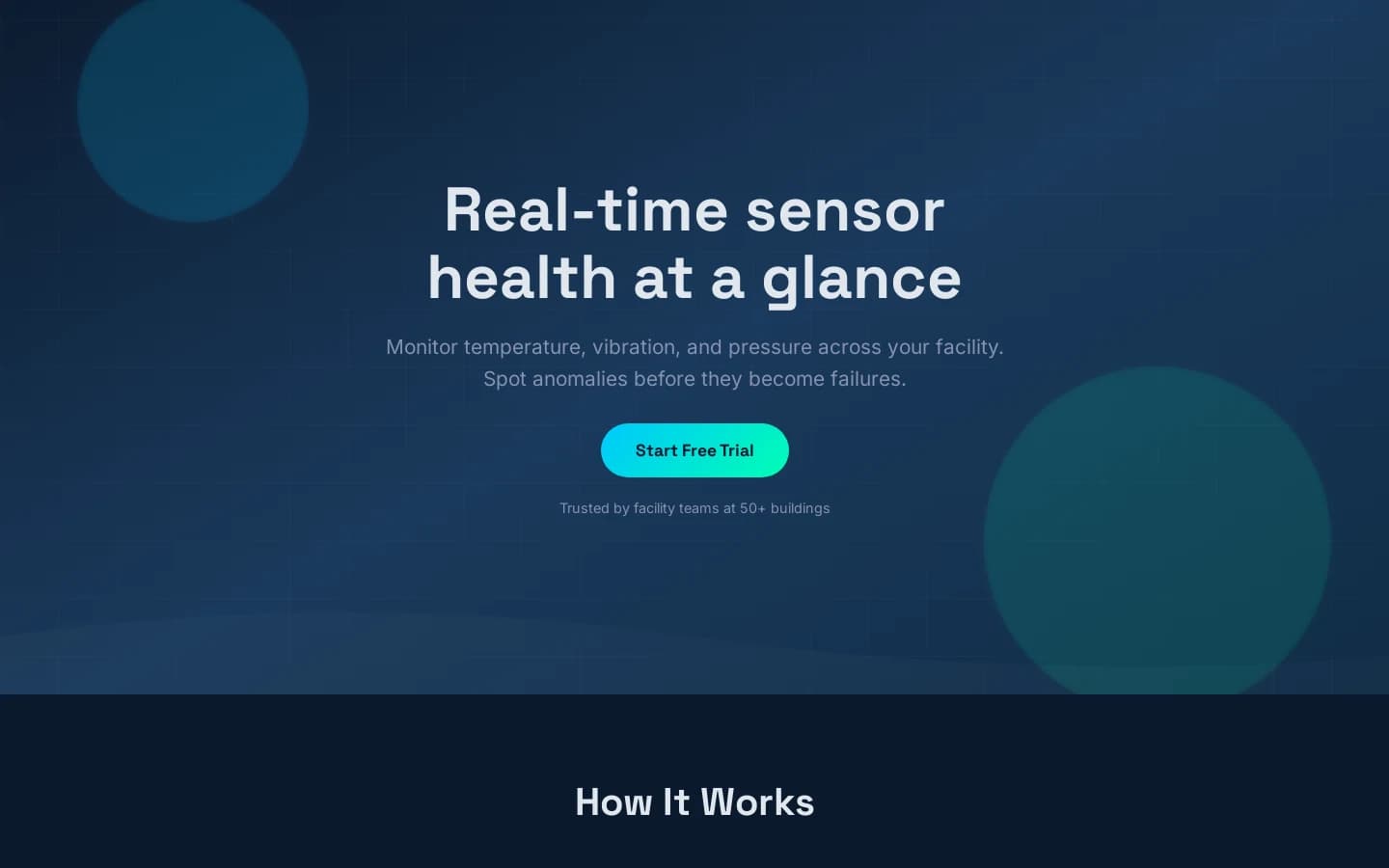
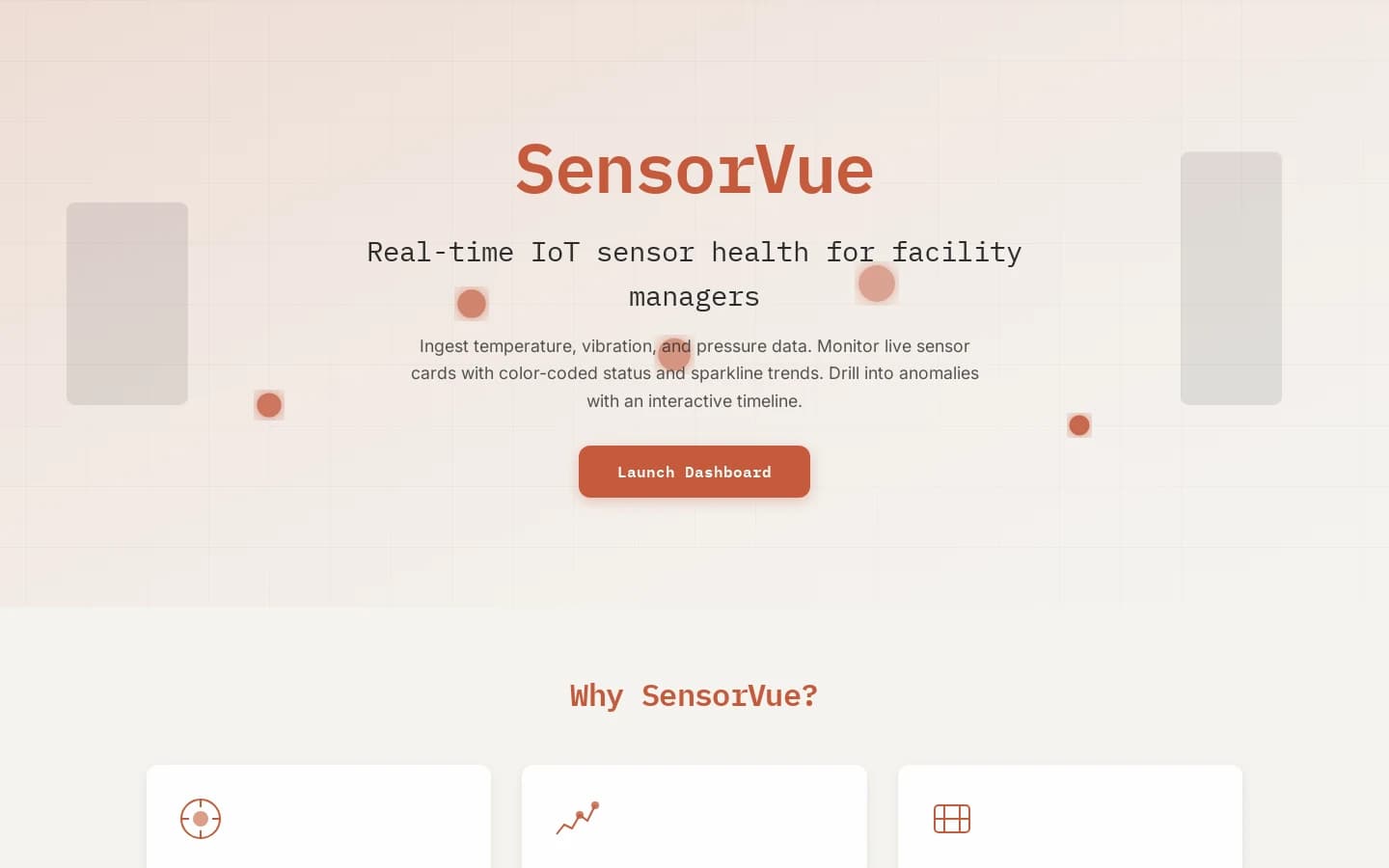
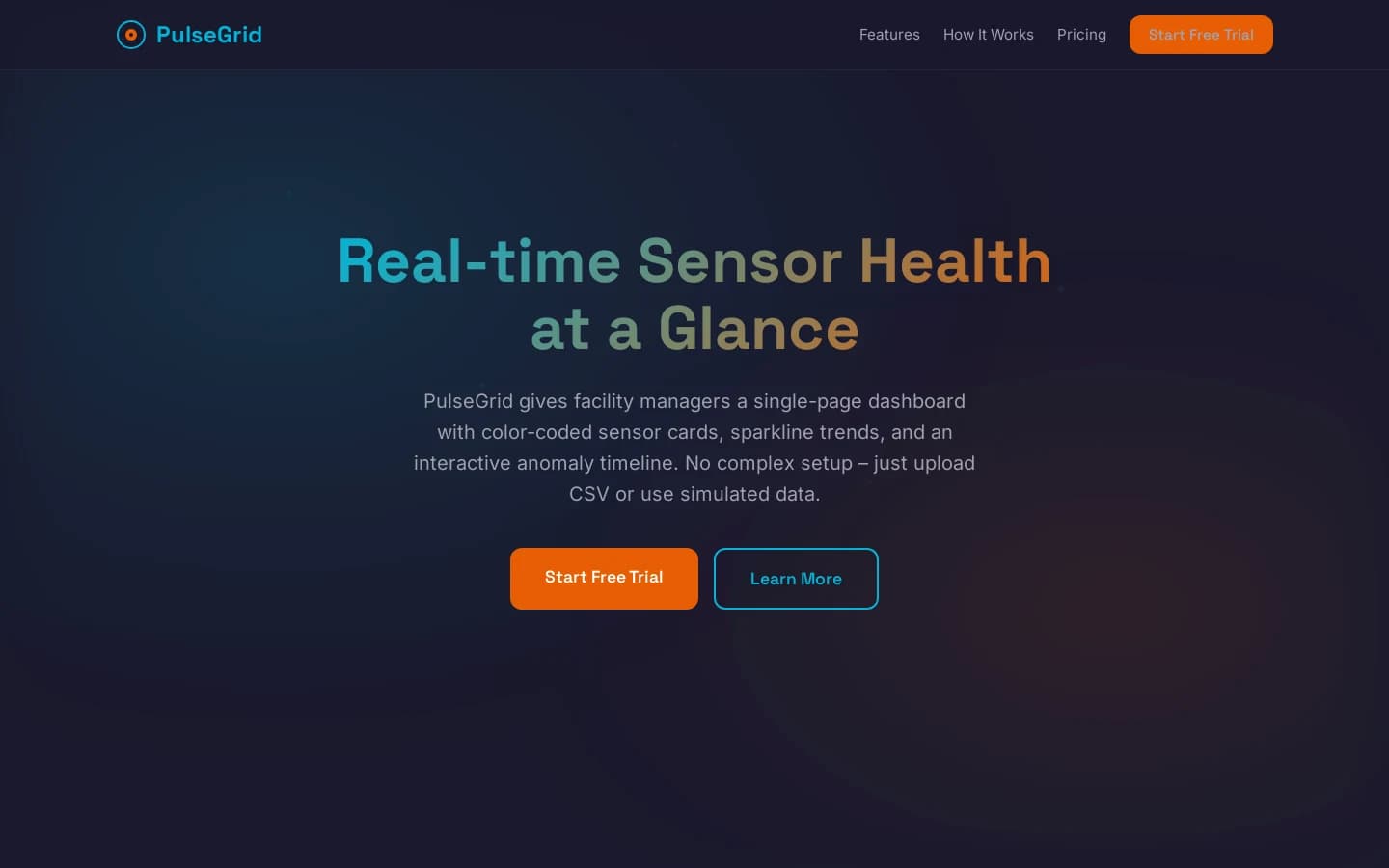
Product demo and pipeline tour: Open on YouTube
Quality Trust Block
Live benchmark-based quality metrics from production pipeline.
Loading metrics…
Built for speed and substance
Landings are the default guest deliverable; autonomous and admin-queued ideas often become full products — one pipeline, different delivery_profile, identical gates.
One phrase → presentable page
Your sentence becomes the stakeholder brief through the same stages as autonomous builds — HTML/CSS/JS you preview in the sandbox; gates reject hollow stubs.
Specialized agents
Specialized roles per stage (Analyst, PM, Methodologist, Architect, Designer/UX, Developer, QA, Security, DevOps, Marketing, Sales, Evolution) — each step bounded so outputs stay maintainable. See `agents/` for the full list.
Quality & security gates
Demo checks, headless browser smoke, optional marketplace rules — rework loops until the product is show-ready.
Same runway as autonomous
Research → spec → architecture → code → QA → security → DevOps → marketing → sales → evolution. Autonomous seeds ideas from the market; on-demand seeds from your phrase — no second-class pipeline.
Director AI
Meta-agent reviews pipeline health on a schedule and steers autonomous improvements.
Crypto-ready storefront
Affordable one-shot landing price (about $5 USDT when agents omit list pricing), multi-chain checkout — buyers pay on-chain, you ship files.
One pipeline, two front doors
Autonomous mode feeds market research and generated ideas; on-demand uses your phrase as the brief. Same agent path — spec, build, QA, and beyond.
Research
Spec
Marketing
Architect
Design
Develop
QA
Launch
Product experience
Designer layer — modern UI by default
Before code ships, the Architect emits a structured `ui_experience` brief: tokens, typography, motion, and a signature visual moment. The Developer treats it as binding for browser deliverables — so landings read as intentional product design, not generic AI gray boxes.
Runtime topology
Architecture at a glance
One control plane: web tier, background workers, routed models, and durable workspace — shown as a live orbit around the agent fleet.
Agents
PM · Architect · Dev · QA · Sec · Ops · Mkt · Sales · Evolution
Next.js
Storefront
FastAPI
Public & admin API
Pipeline worker
Quality gates
Director AI
Signals & reports
LLM router
Multi-provider
Data plane
SQLite · artifacts
Federation intelligence · live product
LOGOS turns the whole ecosystem into one observatory.
It polls the Hub, MOMUS, SKOPOS, and Treasury; stores real snapshots; detects rolling z-score anomalies; correlates security, latency, reputation, and economy signals; and answers natural-language questions through a guarded assistant.
AIMarket Hub
federation
MOMUS
findings
Treasury
balance
SKOPOS
remediation